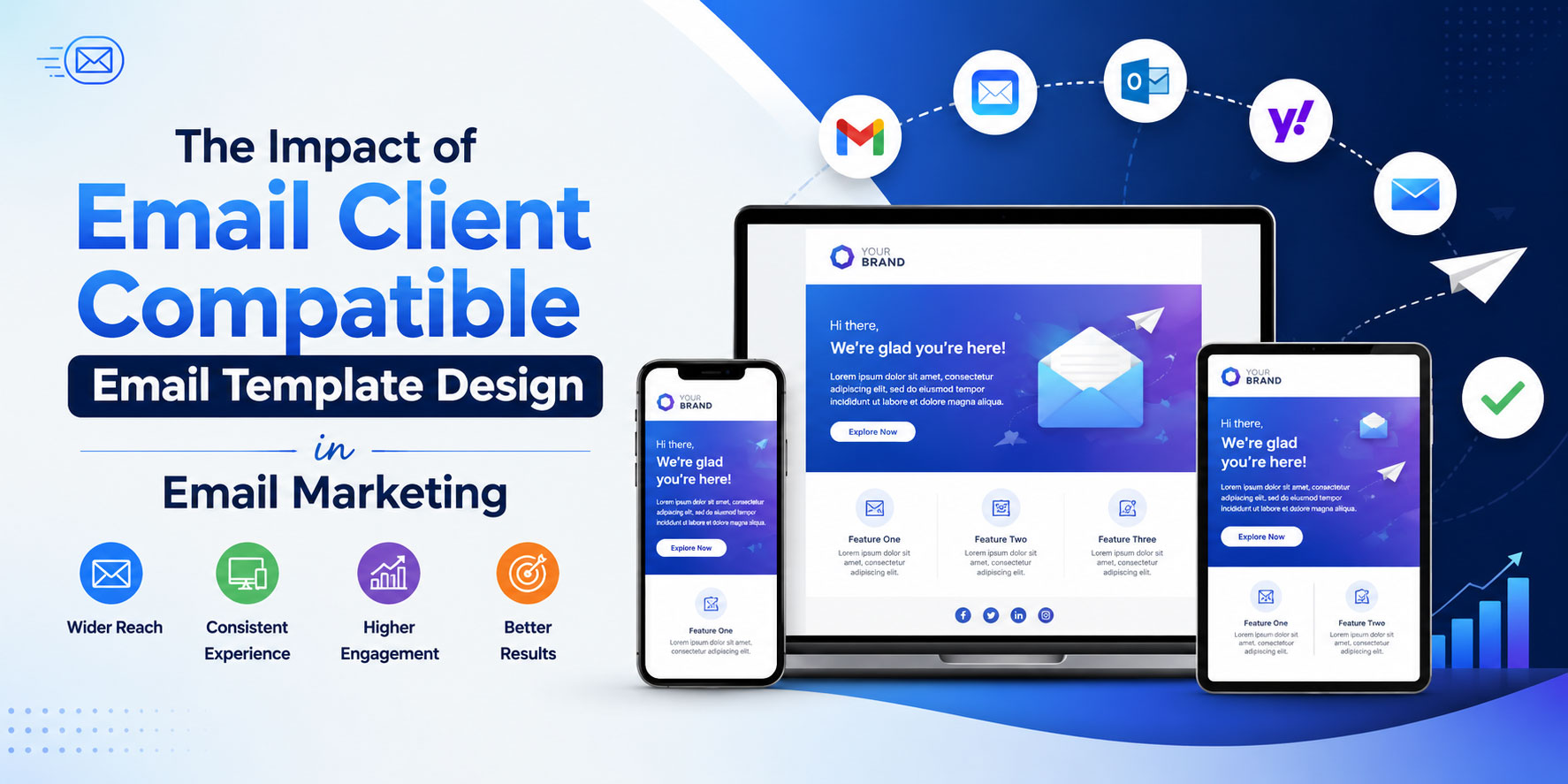
The Impact of Email Client Compatible Email Template Design in Email Marketing
Email marketing remains one of the highest-return channels available to businesses today, but its success depends on a factor many marketers overlook until their campaigns start underperforming: how consistently an email renders across different email clients. A beautifully designed template can look flawless in one inbox and completely broken in another. This inconsistency isn’t a minor technical hiccup — it directly affects open rates, click-through rates, brand perception, and ultimately, revenue. Understanding the impact of email client compatible design is essential for anyone serious about running effective campaigns.
Why Email Client Compatibility Matters
Unlike websites, which are viewed primarily through modern browsers that follow similar rendering standards, emails are opened across a fragmented landscape of clients — Gmail, Outlook, Apple Mail, Yahoo Mail, and dozens of mobile apps — each with its own rendering engine. Some clients strip out CSS, others ignore certain HTML tags, and some apply their own formatting rules regardless of what a designer intends. Outlook, for instance, uses Microsoft Word’s rendering engine for desktop versions, which handles CSS very differently from a browser-based engine like the one Gmail uses.
This fragmentation means a template that isn’t tested and built for compatibility can arrive in a subscriber’s inbox with misaligned columns, broken images, invisible text, or buttons that don’t function. When that happens, the message doesn’t just look unprofessional — it actively damages trust in the brand sending it.

The Direct Business Impact
1. Higher Engagement Rates
When an email displays correctly, subscribers can read the content, understand the offer, and act on the call to action without friction. A properly rendered template keeps the visual hierarchy intact, ensuring headlines, images, and buttons appear exactly as intended. This clarity translates into measurably higher click-through and conversion rates compared to campaigns riddled with rendering errors.
2. Stronger Brand Credibility
Consistency builds trust. If a company’s emails look polished and professional in every inbox, subscribers associate that same reliability with the brand itself. Conversely, a broken layout can make even a reputable company appear careless or, worse, suspicious — some recipients may mistake a poorly rendered email for a phishing attempt, especially if logos are missing or links appear disconnected from their surrounding text.
3. Reduced Unsubscribe and Spam Complaint Rates
Subscribers rarely tolerate a frustrating experience for long. If emails consistently look cluttered or fail to load properly, recipients are more likely to unsubscribe or mark messages as spam. Both actions hurt sender reputation, which in turn affects future deliverability — creating a downward spiral that’s difficult to reverse.
4. Better Accessibility Across Devices
Compatibility isn’t limited to different email clients; it also spans devices and screen sizes. A responsive, client-compatible template adjusts gracefully between desktop and mobile views, which matters enormously given that a significant share of emails are now opened on smartphones. A template optimized only for desktop rendering risks alienating a large portion of the audience.
5. Improved ROI on Campaigns
Every campaign involves cost — whether in design time, copywriting, or platform fees. When rendering issues undermine a campaign’s effectiveness, that investment doesn’t pay off as it should. Compatible design ensures the resources spent creating a campaign are fully realized in performance, rather than lost to technical inconsistencies.
Common Compatibility Challenges Marketers Face
Building for universal compatibility comes with recurring obstacles:
Best Practices for Building Compatible Templates
- Use a modular, table-based structure for critical layout elements to ensure consistent rendering in clients with limited CSS support.
- Inline all CSS rather than relying solely on embedded stylesheets, since many clients strip out
<head>styles. - Design mobile-first, using fluid or hybrid layouts that adapt smoothly across screen sizes.
- Test extensively across major clients and devices before sending — tools that simulate rendering across dozens of email environments can catch issues before they reach subscribers.
- Provide fallback content, including descriptive alt text for images and a plain-text version of the email.
- Keep file sizes optimized so emails load quickly, particularly on mobile networks.
- Account for dark mode by testing how background colors, text, and logos appear when a client automatically inverts colors.
The Long-Term Strategic Value
Investing in compatible template design isn’t just a technical checkbox — it’s a strategic decision that compounds over time. Campaigns that render reliably build a foundation of trust with subscribers, which supports better long-term engagement metrics. Email service providers also factor engagement signals into deliverability algorithms, meaning consistently well-received emails are more likely to land in the inbox rather than the spam folder for future sends.
As inboxes become more diverse and subscriber expectations rise, the margin for error continues to shrink. Marketers who prioritize compatibility position their campaigns to perform reliably regardless of how or where a message is opened, turning a technical best practice into a genuine competitive advantage.
Conclusion
Email client compatibility might not be the most glamorous aspect of email marketing, but it’s one of the most consequential. It determines whether the creative and strategic work behind a campaign actually reaches its audience as intended. By understanding the technical landscape, addressing common rendering challenges, and following established best practices, marketers can ensure their messages are seen, understood, and acted upon — no matter which inbox they land in. In an environment where first impressions happen in a split second, a well-rendered email isn’t just good design; it’s good business.